I Spent 6 Months “Vibecoding” an App with AI and Here’s Why You Should NEVER Do This (But Also Why You Should)
Six months. Three AI models. One developer’s descent into madness.
Let me tell you a story about ambition, delusion, and the 10,000 lines of code I eventually deleted.
It started innocently enough. My house help showed up every day, and like any self-respecting engineer, I thought: “Manually tracking attendance? Calculating monthly salary? In 2025? Absolutely not.”
So naturally, I decided to build an app. With AI. Because what could possibly go wrong?
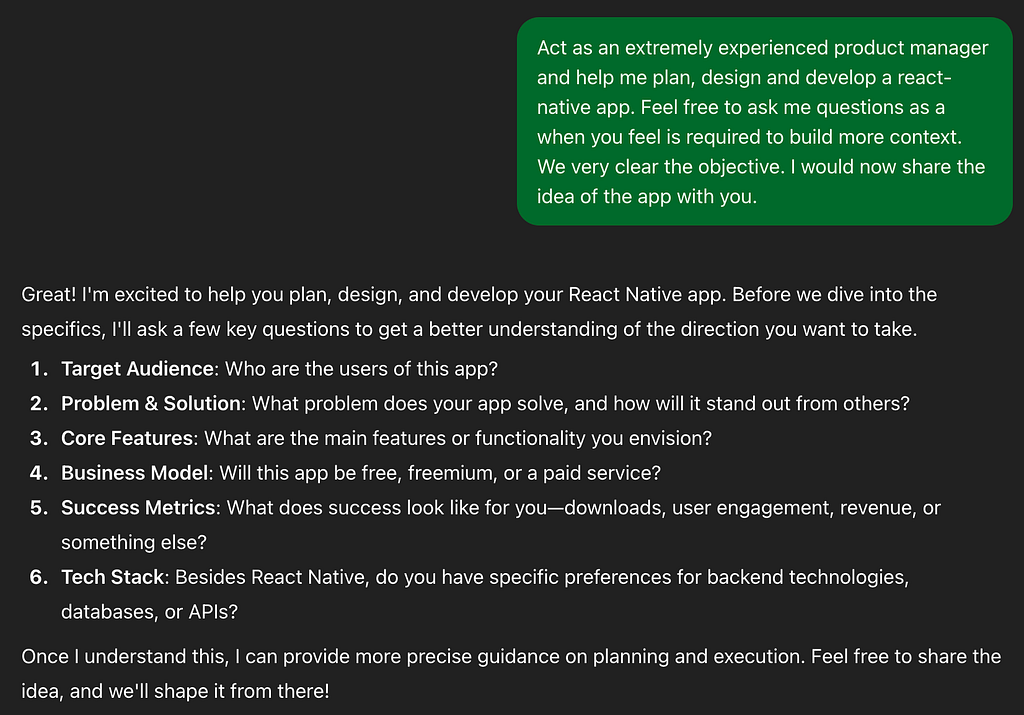
I opened ChatGPT like a genie’s lamp and started brainstorming. The AI asked me questions. I answered them. It spat out a feature list and implementation plan. I felt like a project management god. “This is too easy,” I thought, completely unaware of the approaching storm.
The Vibecoding Era Begins
Enter Cursor, my new best friend and future nemesis.
I started building feature by feature. A screen here, a component there. Things were looking good! Light mode? Done. Dark mode? Implemented, obviously, that’s what you do when you have a half-working prototype. Priorities, people. Local storage? You bet. I was UNSTOPPABLE
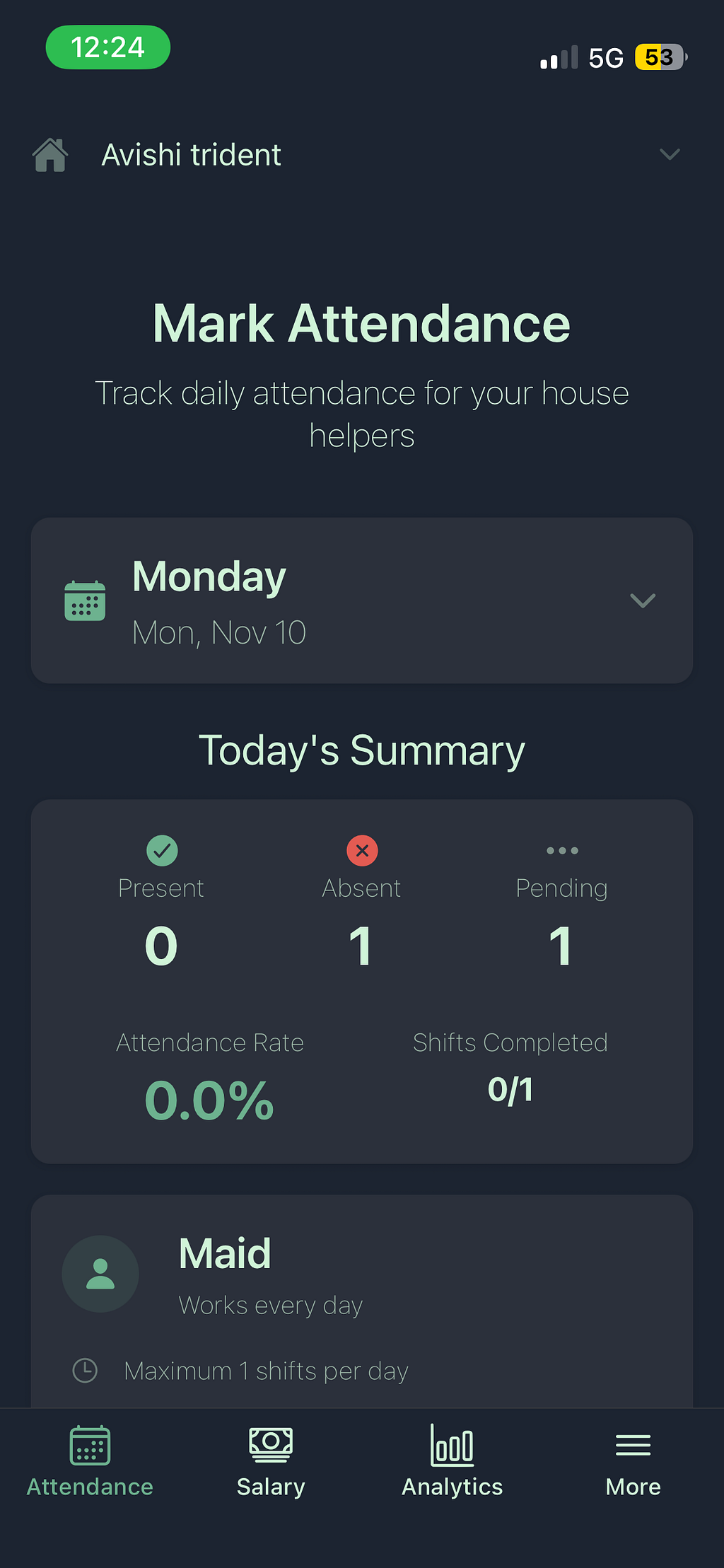
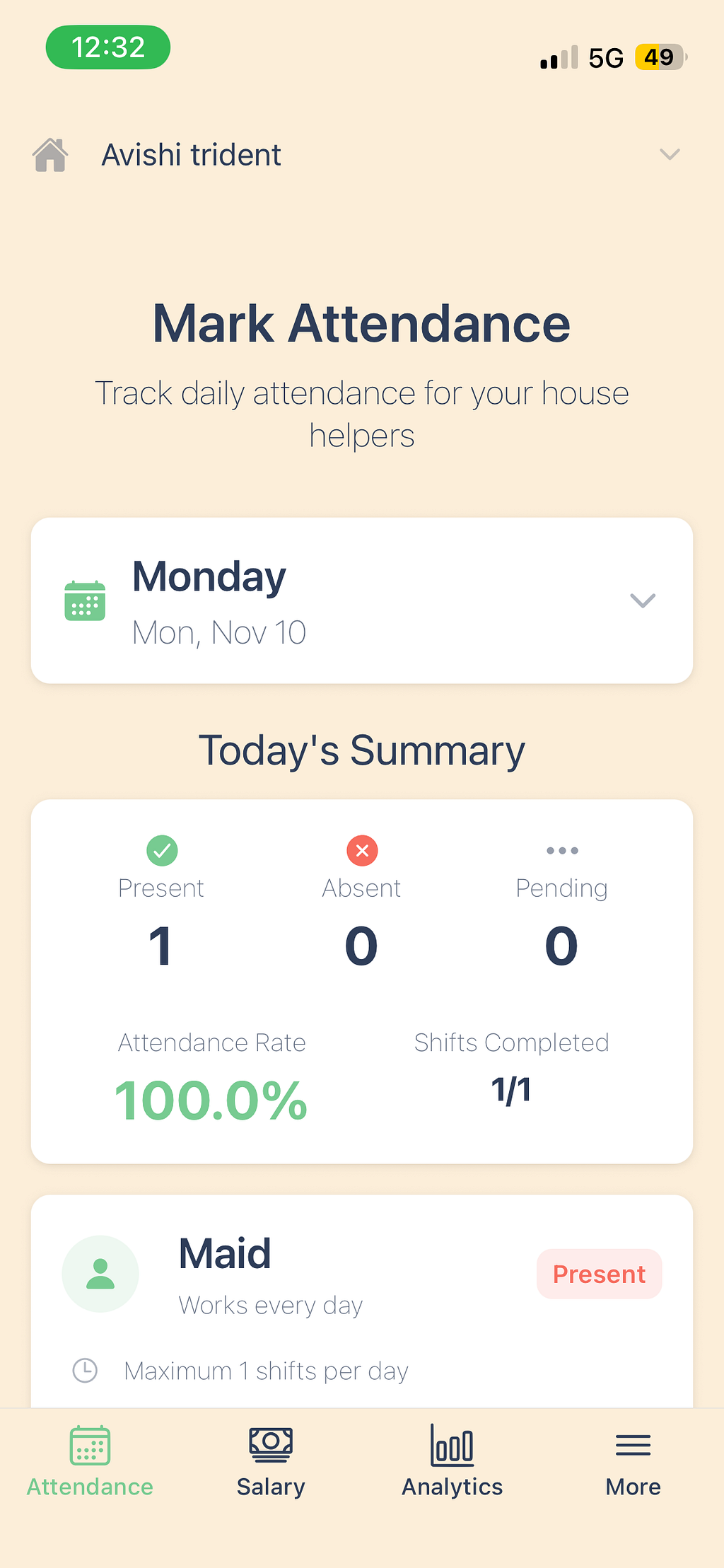
Then Cursor started… hallucinating. Yes, hallucinating. My AI assistant was seeing things that weren’t there, suggesting imports from the shadow realm, creating functions that existed only in its fever dreams. So I did what any reasonable person would do: I created rules. Lots of rules. Rules for the rules. A rules inception.
I refactored each screen. Twice. Because the first time wasn’t painful enough.
By the time I had my “MVP,” I was already planning my TechCrunch feature. “Local Developer Revolutionises Househelp Management” the headline would read. I could see it clearly.
Everything was in local storage. Everything was beautiful. Everything was fine.
⚠️ Narrator: Everything was not fine.
When Reality Crashes the Party
I showed my masterpiece to a friend. A potential user. Someone who would surely be amazed by my creation.
They suggested trimming it down. Adding household management. User login. A actual database.
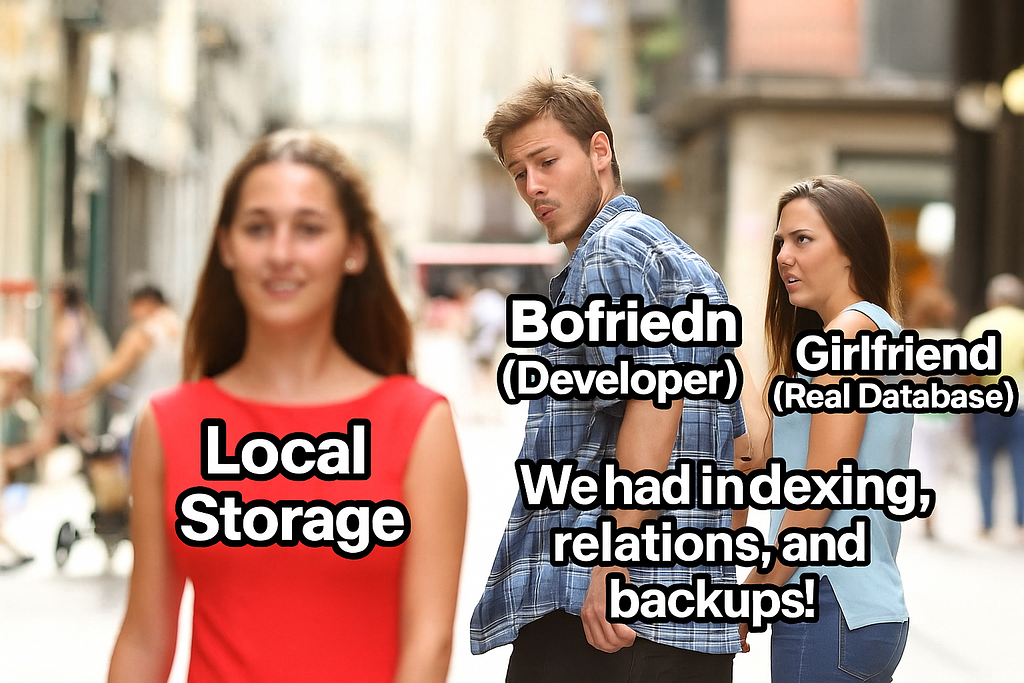
Now came the existential question: Should I build a backend server or just call Supabase directly? After much contemplation (read: fifteen minutes of staring at the ceiling), I chose the backend. I wanted to keep my logic isolated. I didn’t want my vibe-coded project becoming a bloated monster. Little did I know, it already was.
The Backend That AI Built
I asked AI to vibe-code my backend too. Because apparently, I hadn’t learned my lesson.
“Create a database schema from my app,” I commanded.
“Add Swagger documentation,” I decreed.
“Make it beautiful,” I whispered into the digital void.
And it did. Oh, it did.
Moving from local storage to API calls revealed a problem: household management needed global state management. So I migrated from useContext to Zustand. Because why have one refactor when you can have seven?
But here’s where things got spicy: AI was using different methods for different API calls. Like a chef who randomly switches between metric and imperial measurements mid-recipe. Consistency? Never heard of her.
The Revelation That Changed Everything
This saga stretched across six months. Six. Months. I worked weekends. Three new AI models launched. Cursor introduced memories, rules, and commands. The world was changing, and my app was… storing everything in memory.
That’s when I realized: my beautiful MVP was storing everything in memory. As in, reload the app and POOF — your data vanishes like my motivation at 4 PM on a Friday.
💀 The realization: That moment when you discover your MVP is actually a MVP — Minimally Viable… Placebo.

Then came my work project with my CTO. Watching him use AI was eye-opening. He didn’t let AI drive. AI was the GPS, not the steering wheel. The assistant, not the architect. The copilot, not the pilot.
Mind. Blown. 🤯
Taking Back Control (The great Refactor)
One weekend, I decided enough was enough. I would review every. Single. Line.
I started with the low-hanging fruit: removing over-documented comments and redundant rule files. Then I moved to the database schema, trimming it like a bonsai tree. Migrations? Checked and updated. Models? Reviewed. Controllers? Scrutinized. Package? Cleaned.
Since I chose Golang (blessed be the gopher), the refactor was straightforward but massive. I deleted unwanted routes like a medieval executioner. Unused methods? Gone. Large, bloated functions? Vanished. Inconsistent patterns? Unified.
Then came the mobile app. I updated API calls one screen at a time. Removed unnecessary loading states. Deleted callbacks that went nowhere. Simplified everything.
AI helped with some refactors, but now they were small, focused, and clearly directed. I wrote most code myself, relying on autocomplete like a normal human being.
In the codebase what I found was… let’s call it “suboptimal.”
- Over-documented comments explaining things like // This function adds two numbers
- A database schema that looked like someone sneezed on an ER diagram
- A salary calculation endpoint that took 10+ seconds and frequently timed out (my version? Under 1 second)
⚡ Performance lesson learned: Sometimes the human brain is still the best optimizer. Who knew?
I also simplified React Native components by removing useMemo and useCallback hooks — things I didn’t fully understand and suspected were cargo cult programming. Guess what? The app worked perfectly without them.
Turns out, you don’t always need to optimize code that isn’t slow. Revolutionary concept, I know.
The Carnage in Numbers
My final refactor PRs were absolutely bonkers:
- Backend: -5,000 lines, +2,000 lines
- Mobile App: -5,000 lines, +4100 lines
I deleted unused components, screens, and methods like I was Marie Kondo-ing my codebase. “Does this method spark joy? No? YEET.”


What I Learned From This Six-Month Nightmare
Create helpful rules and commands for repeated actions — but keep them concise. Your context window is not infinite, despite what it might claim.
Master the art of code review. Question every method. Every decision. Every line that looks suspiciously clever. If you don’t understand it, you don’t own it.
Create documentation (Swagger, etc.) for your backend. Not for AI. Not for future developers. For you, three weeks from now when you’ve completely forgotten how your own API works.
Review AI-generated docs like a suspicious parent reading their teenager’s text messages. Trust, but verify. Actually, just verify.
Understand context windows. They’re not magic. They’re very real, very limited, and very expensive when you waste them on garbage.
Don’t hand AI the driver’s seat. You’re the driver. AI is Siri telling you where to turn. Sometimes Siri is wrong. Very wrong.
Don’t vibecode an entire app without understanding what’s underneath. It’s like buying a house without checking if it has a foundation. Spoiler: it doesn’t.
Don’t be that PM who doesn’t know what they want. “Make it good” is not a specification. Neither is “you know what I mean.”
Don’t implement first, debug later. That’s not agile development. That’s chaos with extra steps.

The Plot Twist
What started as a simple attendance tracker became a full-fledged learning experience. I learned that AI is incredibly powerful — and incredibly dangerous when you trust it blindly.
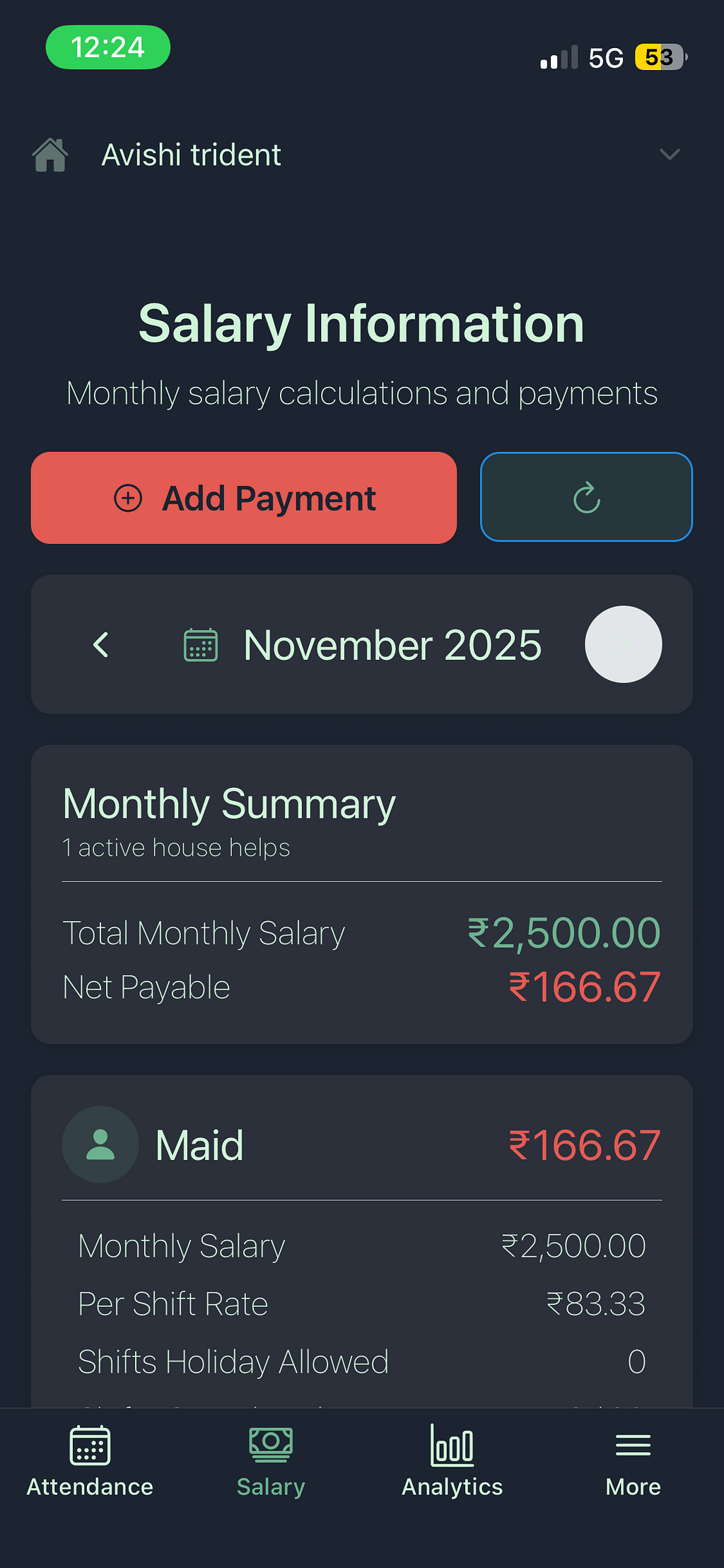
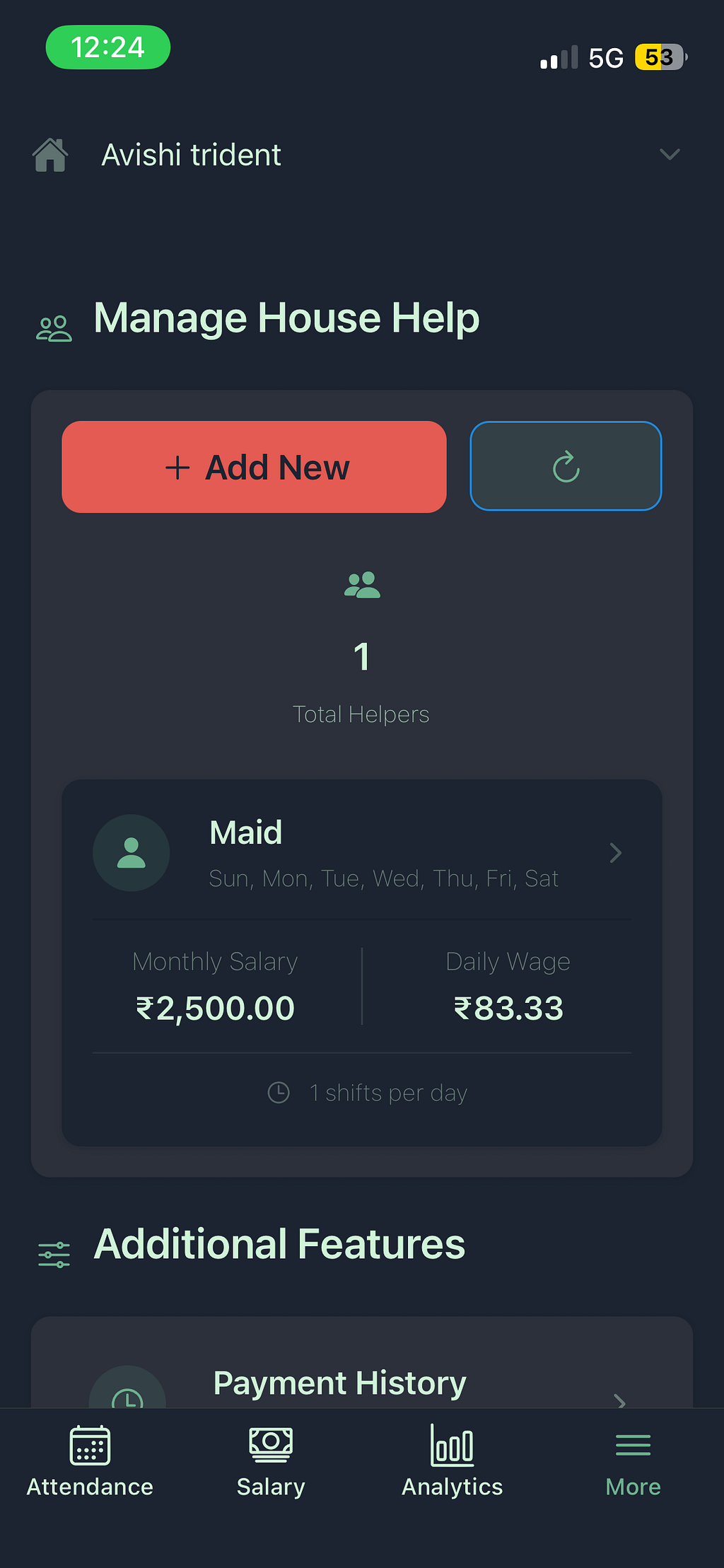
The app is now a full-fledged product. It actually works. Data persists. APIs respond in under a second. The code is clean(ish). I understand every line.
Most importantly, I can now track my house help’s attendance and calculate their salary with a few taps. Which was the whole point, if you remember. Somewhere around month four, I had completely forgotten why I started this journey.
🎓 The bottom line: AI is a fantastic assistant. It’s an amazing productivity tool. It can write boilerplate code faster than any human. But it can’t think for you. It can’t architect for you. It can’t understand your requirements better than you do. And it certainly can’t tell you when you’re about to make a terrible decision — like vibecoding an entire backend without looking at the code underneath.
So here’s my advice: Use AI. But read the code. Understand the decisions. Question the implementations. Be the engineer who knows their system inside and out, not the one who can only say “the AI did it this way” when things break.
Because at the end of the day, you’re not shipping AI-generated code. You’re shipping YOUR code. Own it.
Signup here to be an beta tester for the app!
Have you had your own AI coding adventure (or misadventure)? Share your war stories in the comments below. Let’s suffer together. 😅